
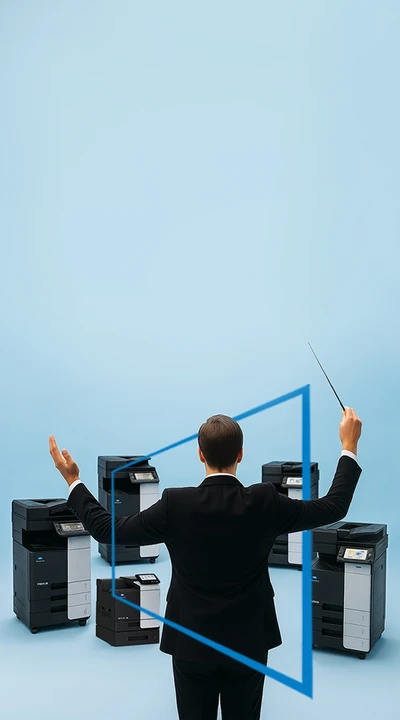

SafeQ Cloud – and all printers obey
SafeQ Cloud
The simplest print management requiring very little effort from the IT department. You can manage the company’s printing infrastructure anytime and anywhere. Regardless of where you are on your journey to the cloud, you can start using cloud‑based print infrastructure in just a few minutes. The company’s IT team should focus on more important tasks than managing the printing infrastructure.
SafeQ Cloud solution:
-
Less IT administrator time spent on repetitive tasks.
-
Simpler cost planning: a fixed monthly fee that includes everything.
-
No additional investments required.
-
Always the latest version, as all updates are performed automatically.
-
A highly secure environment where all stored or transmitted data is encrypted and all processes comply with GDPR requirements.
-
No new processes — employees continue working exactly as they’re used to.
SafeQ Cloud advantages:
 1. Simplicity
 2. Authentication
 3. Accessibility
 1. Cost savings and optimization
 2. Security
 3. Centralized management and analytics
SAFEQ Cloud Breeze
A 100% cloud‑based solution
-
Microsoft 365 and Google Workspace ecosystems.
-
Fast deployment.
-
Print anytime and from anywhere.
-
Data encryption throughout the entire process.
-
From €4.29/month.


SAFEQ Cloud Pro
Hybrid solution
-
Only metadata is sent to the cloud.
-
Print jobs never leave the company’s premises.
-
Uninterrupted printing even if the internet goes down.
-
Ability to connect older printer models as well.
Choose the SafeQ Cloud license that best fits your required functionality:
 1. Breeze Print
- Direct printing
- Print reports
- Entra ID, Google Workspace
2. Breeze MFP- Authenticated printing
- User authentication with a card
- Pure Cloud authentication terminals (a single UI for all manufacturers)
- Scanning (OCR, barcode recognition, document separation)
- Print workflow management using rules
 3. Pro Print
- Direct or authenticated printing with a QR code
- Integration with the client’s local infrastructure (Gateway)
- LDAP, Okta, Client (OAuth2)
- Print workflow rules
- Unified Sign-On (SSO) using the SAML standard
4. Pro MFP- Extended compatibility with a wider range of MFP manufacturers using non‑cloud‑based embedded terminals.
When you purchase SafeQ Cloud software together with its licenses, you automatically receive service support, which includes:
- Guaranteed response and issue resolution.
- Problem diagnostics.
- Escalation and forwarding of identified issues to the software manufacturer if the problem is systemic rather than local.

Rent a printer with RelaxRate
Take a look at our printers that you can rent with RelaxRate

- A3 color multifunctional printer;
- Paper formats A6-A4/ A3;
- Copy, scan, print;
- From 300 color prints included;

- A4 color printer;
- Paper formats A6-A4;
- From 250 color prints included;
- From 500 black-and-white prints included;
Additional services when renting our printer


