
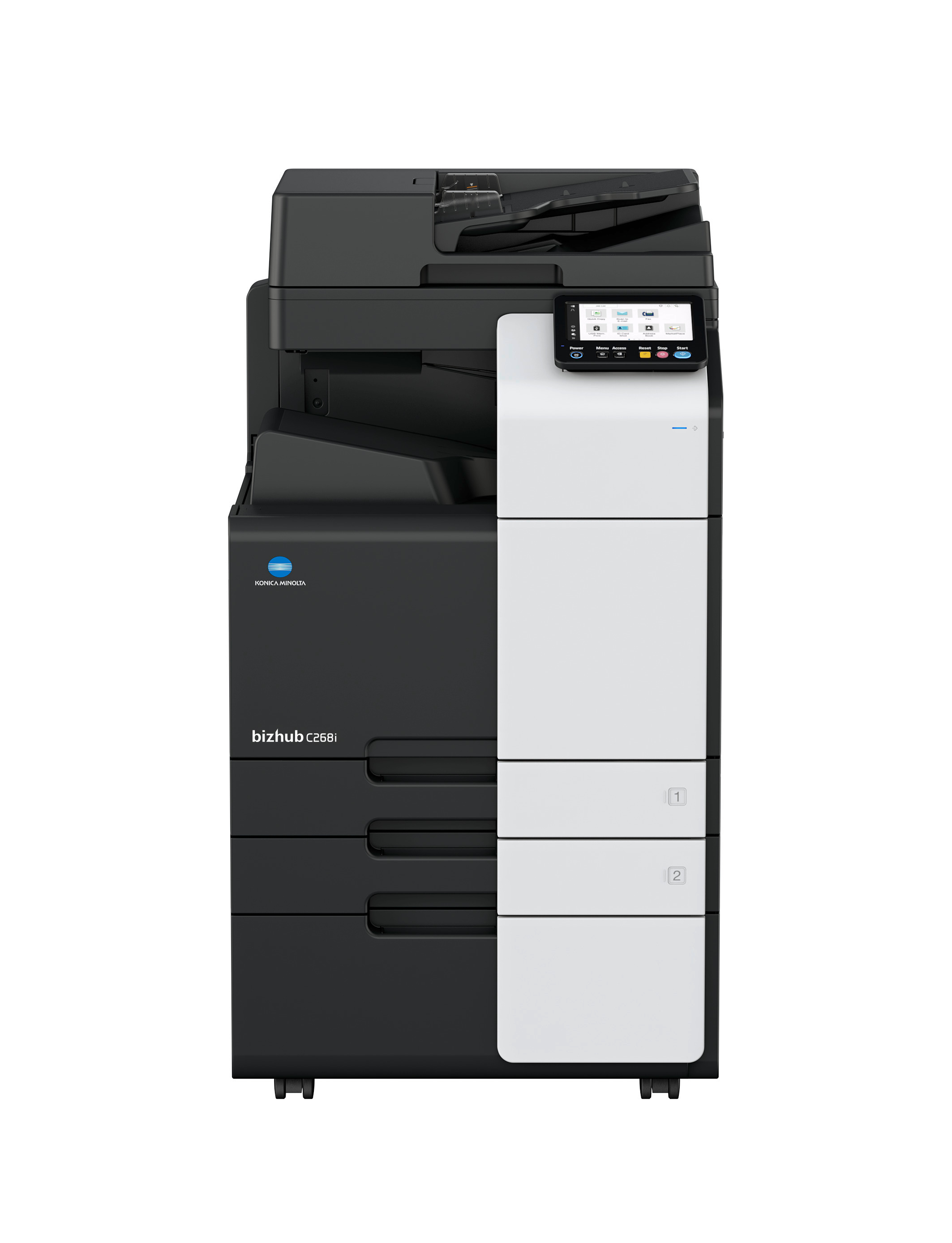
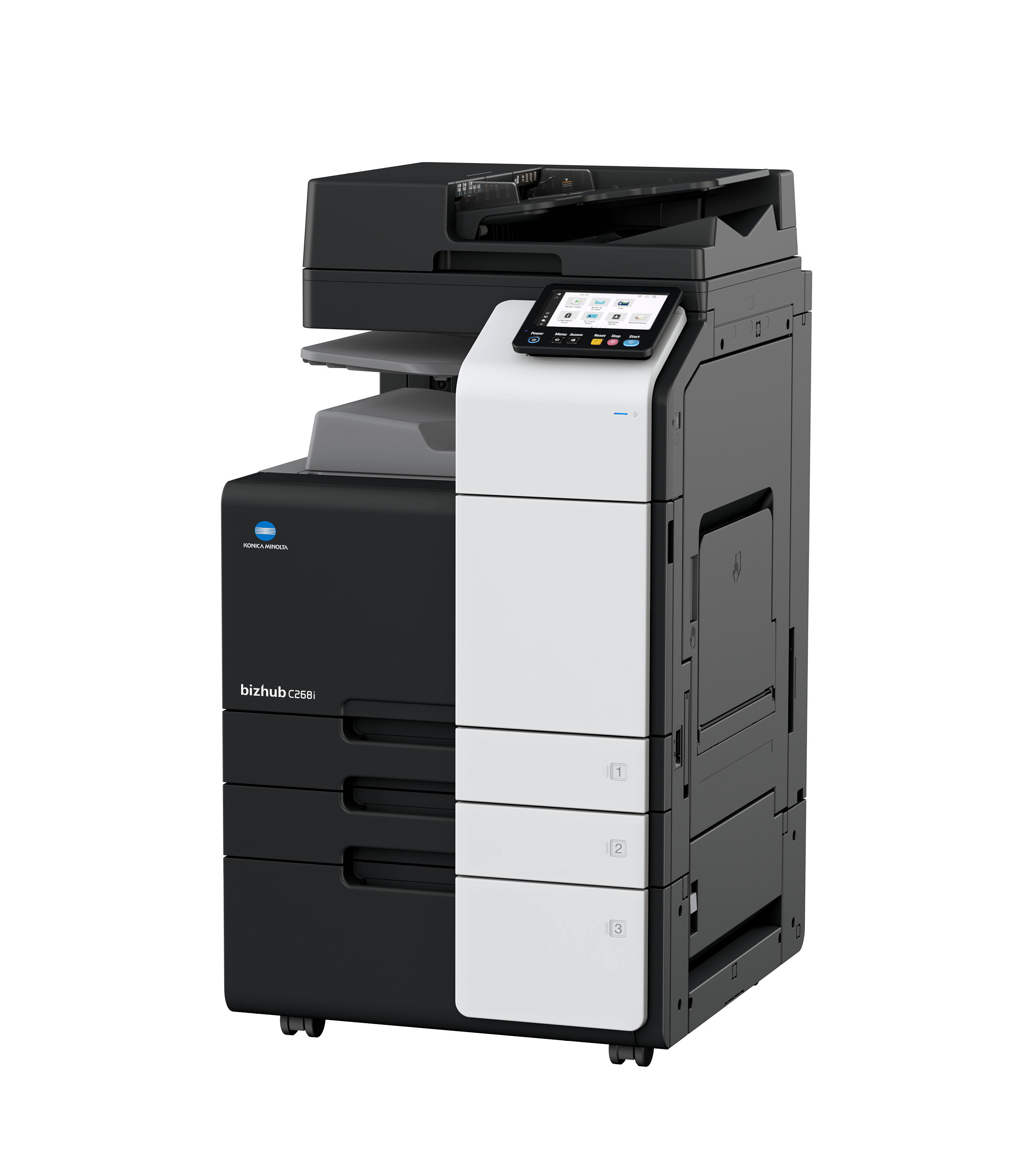
bizhub C268i
- A3 color multifunctional printer;
- Copy, scan, print;
- Printing speed: up to 26 A4 pages per minute;
- Paper formats A6-A3, banners up to 1,2m;
- Paper input capacity: 1150 sheets;
- From 300 color prints included;
- From 700 black & white prints included.
Do you need advice?

Rent your printer with RelaxRate
Benefit from the multiple services that are included as part of our RelaxRate packages. Take a look at our RelaxRate packages and rent your desired printer at a fixed monthly fee.
| Delivery | |
| Free printer delivery to final location | Included |
| Installation service | |
| Printer on-site installation and activation | Included |
| Installation of driver on one PC/ server, notebook and other device | Included |
| User Training | Included |
| Remote Monitoring | |
| Printer, paper and toner monitoring | Included |
| Automatic toner ordering at 10% and delivery (never run out of toner) | Included |
| Automatic reporting of printed pages | Included |
| Supplies | |
| Toner delivered with device for first usage | Included |
| Free paper, staples, glue, etc. | Excluded |
| Full Service | |
| Free ad-hoc repairs, regular and preventive maintenance (incl. call-out charges, labor, parts, etc.) | Included |
| Free drums and other spare parts (except supplies) | Included |
| Printer pick up from location after runtime | Included |
| Help & Support | |
| 24/7 device remote monitoring | Included |
| Customer Self-Service Portal | Included |
| Average response time in hours | 8 working hours |
| Secure | |
| bizhub SECURE (only included in RelaxRate Large package) | Included |
| Invoicing and payment | |
| Regular invoicing RelaxRate period | Included |
| Additional invoicing when you reached your prepaid limit | Included |
bizhub C268i
A basic color multifunction printer designed to handle various types and formats of paper – an excellent choice for everyday office tasks.Touchscreen
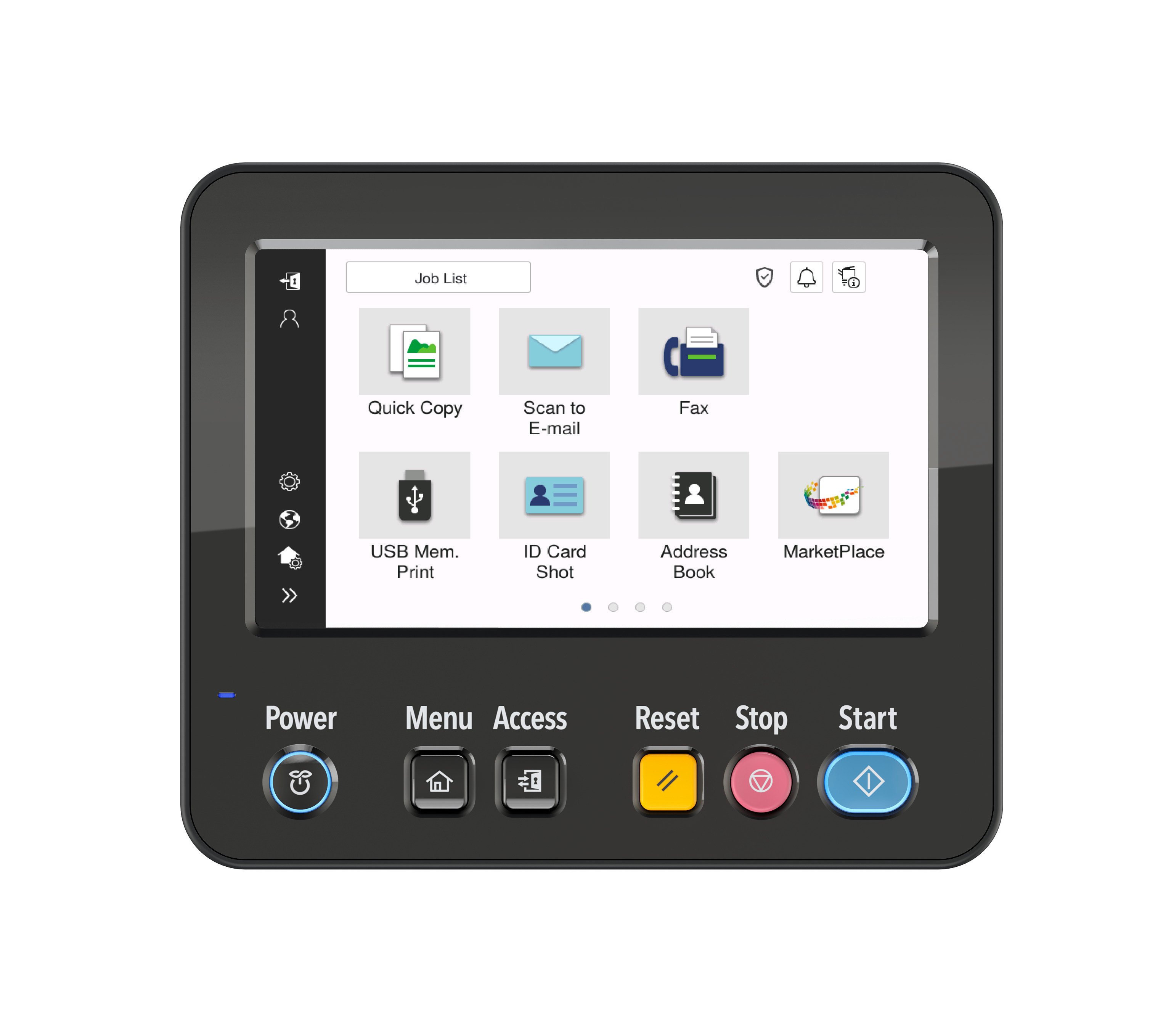
7-inch diagonal touch-sensitive screen with an adjustable angle. Customizable interface, operated like a smartphone. Intuitive, wizard-based navigation with pre-installed applications.
Security
A comprehensive set of “bizhub SECURE” security features, including an optional “Bitdefender” antivirus solution*. Clearly visible security status with real-time notifications and reports. Authentication attack detection function helps block unauthorized login attempts, including brute force attacks.
Smart document processing
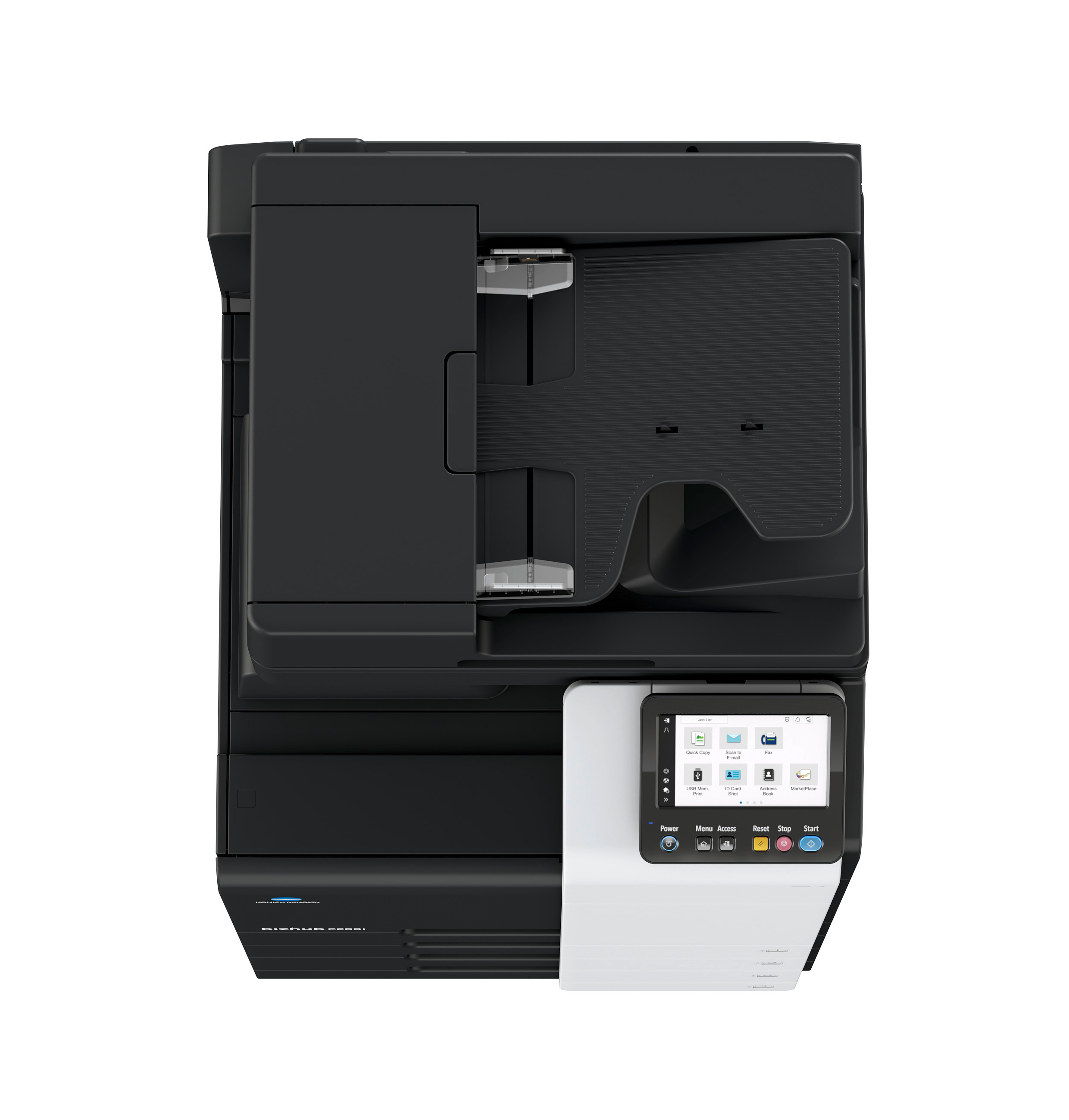
Standard automatic duplex document feeder ensuring scanning speeds of up to 70 images per minute. Seamless integration with popular cloud applications directly from the control panel.
Large paper capacity
Standard capacity of up to 1,150 sheets, expandable up to 3,650 sheets*, ensuring uninterrupted operation without frequent refilling.
Compact finishing devices*
Document finishing options include job sorting, stapling (online and offline), and hole punching. All of this is achieved using integrated internal modules without increasing the device size.
Sustainability
Energy-saving settings, low TEC values, compact design, and award-winning air cushion packaging help reduce environmental impact while saving costs.
*Optional configuration available.


Need special configuration?
Technical parameters
What do our customers say about us?
Not sure which print volume to select for your RelaxRate?
These might be valuable considerations for you
If you have an existing contract:
- Have a look at your current offer/ contract to see which volume is included there (per month)
- Have a look at your latest invoice: on it might be written how much you print per month or for what volume you’re charged. Take into account any invoices for overage charges to calculate your monthly volume needs
- If there are no volumes in these documents, look at the amount you pay each month and add any amounts for overages and compare this with our packages. Take into account whether service is included or not
- Check your current printer if it shows you the number of printed pages
If you do not have an existing contract:
- Check your current printer if it shows you the number of printed pages
- We recommend to calculate how much pages you print per week and estimate from that prints per month: think of how often you have to refill paper in your printer (average paper pack has 500 sheets)
Still unsure? Please contact us. We are happy to support you.
RelaxRate Small
- Included: 300 prepaid color pages per month
- Cost per additional page: 0,0495 EUR (calculated and invoiced monthly)
- Included: 700 prepaid black pages per month
- Cost per additional page: 0,0121 EUR (calculated and invoiced monthly)
RelaxRate Medium
- Included: 500 prepaid color pages per month
- Cost per additional page: 0,044 EUR (calculated and invoiced monthly)
- Included: 1000 prepaid black pages per month
- Cost per additional page: 0,011 EUR (calculated and invoiced monthly)
RelaxRate Large
- Included: 800 prepaid color pages per month
- Cost per additional page: 0,0385 EUR (calculated and invoiced monthly)
- Included: 1500 prepaid black pages per month
- Cost per additional page: 0,0099 EUR (calculated and invoiced monthly)
The RelaxRate Large package price includes the bizhub SECURE service*, which ensures the security of your data. *Except for models that do not support bizhub SECURE: bizhub 4700i, C3321i, C3301i, 4201i, 4221i, 5001i, 5021i.
For Products with RelaxRate (Rent+Service)
Konica Minolta Courier
This service is a necessary condition when renting a Konica Minolta printing device with RelaxRate.
By providing this service, we will ensure professional delivery of the purchased equipment directly to the installation site. The service includes moving the machine to its destination and unpacking it and expert compilation.
Included services
After purchasing the device, the Konica Minolta Customer Center will agree with you on a suitable delivery date. The contractual carrier will deliver the device to you on the agreed date.
The service includes:
- transportation to the place of installation
- moving device within the building - if the building has a freight elevator
- professional unpacking and assembly of device
For an additional fee, we will also provide:
- removal and ecological disposal of packaging material
- bringing the machine to the floors via the stairs - if there is no goods lift available
Service limitations
The service is available only for selected types of device, defined in the price list of Konica Minolta services. The price of the service depends on the specific conditions and premises of the customer (floor, elevator, cargo ramp, floor surfaces, etc.) The service does not include the device installation itself.For Products direct purchased
Konica Minolta Courier
This service is a necessary condition when purchasing a Konica Minolta printing device.By purchasing this service, we will ensure professional delivery of the purchased equipment to the kerbside.
Included services
After purchasing the device, our professional Logistic Provider will deliver the device/ product to you.The service includes:
- Transportation to the kerbside
- Delivery will happen 3-4 days after order placement
Service limitations
The service is available only for selected types of device, defined in the price list of Konica Minolta services. The service does not include the device installation itself.Konica Minolta Installation
For your seamless start, Konica Minolta grants a professional installation service.We will provide you with unpacking, mechanical assembly, initialization and setting of the device. We will connect your device to one PC/server, introduce to the user with the use of basic device functions (printing, scanning, copying, faxing, replacement of consumables).
Included services
After purchasing the device, we will agree a suitable date for delivering and installing the device with you.A basic installation for multi-functional devices takes 45 minutes and 30 minutes for printers.
The installation includes:
- Travel expenses of the Konica Minolta service technician to the place of installation
- Unpacking and mechanical assembly of the device
- Initialization, setting and verification of device functionalities
- Entering network settings (IP address, gateway)
- Driver installation on one PC/server (OS Windows) with the assistance of the person responsible for the device installation
- Connecting your device to the “Customer Support Remote Care” for automatic monitoring & toner delivery
- Installation of user IDs for fax messages (optional)
- Scanner settings (SMTP server)
- Doing a test copy, print, scan and fax message
- Introduction training - use of basic device functions
- Disposal of packing material
We will give you detailed information, what is required from your side to make you satisfied before the installation date.